

| Number | √ | Note |
| {y} |

Square Root Online – Calculate √ of a Number
The calculator automatically computes the square root of the number you enter. The notation is √. For example, the notation for the square root of 9 is √9.
Enter a math expression
You can also type a math expression directly into the field. For example, to calculate the hypotenuse of a right triangle with two sides of 20, enter 20**2 + 20**2 and the calculator will first evaluate the expression (400 + 400 = 800) before calculating its square root (√800 ≈ 28.28427). The supported operators are +, -, *, / and ** (power).
What is a square root?
The square root of a number 'x' is the number 'y' which, multiplied by itself, gives the number 'x'. For example √9 = 3 because 3 * 3 = 3² = 9. More generally, if √x = y then y² = x.
Negative numbers
The radicand ('x' in √x) can be a positive or negative number. For negative numbers, the result is expressed as a complex number using the imaginary unit 'i'.
Complex numbers and the imaginary unit
When you calculate the square root of a negative number, the result uses the imaginary unit 'i' where i = √(-1). For example:
- √(-4) = 2i (because √4 × √(-1) = 2 × i = 2i)
- √(-9) = 3i (because √9 × √(-1) = 3 × i = 3i)
- √(-16) = 4i (because √16 × √(-1) = 4 × i = 4i)
This notation is standard in mathematics and makes it possible to represent the roots of negative numbers.
Example
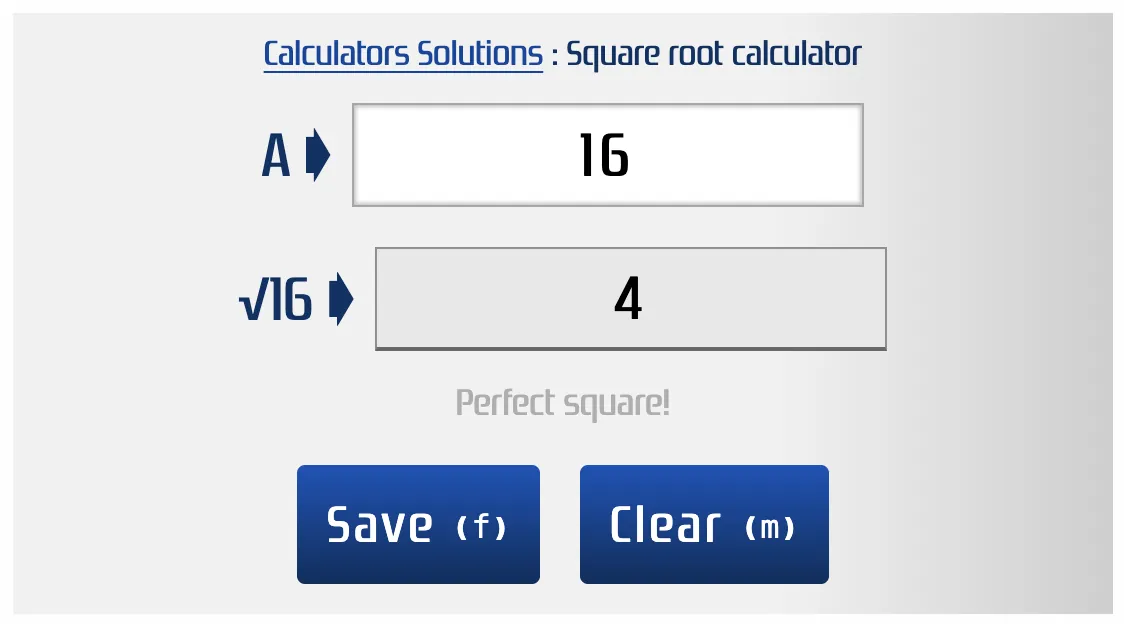
For example, to calculate the square root of 16, enter 16 in the corresponding field and the result will appear.
Keyboard shortcuts for the square root
m ⇝ Clear
f ⇝ Save
Save your results
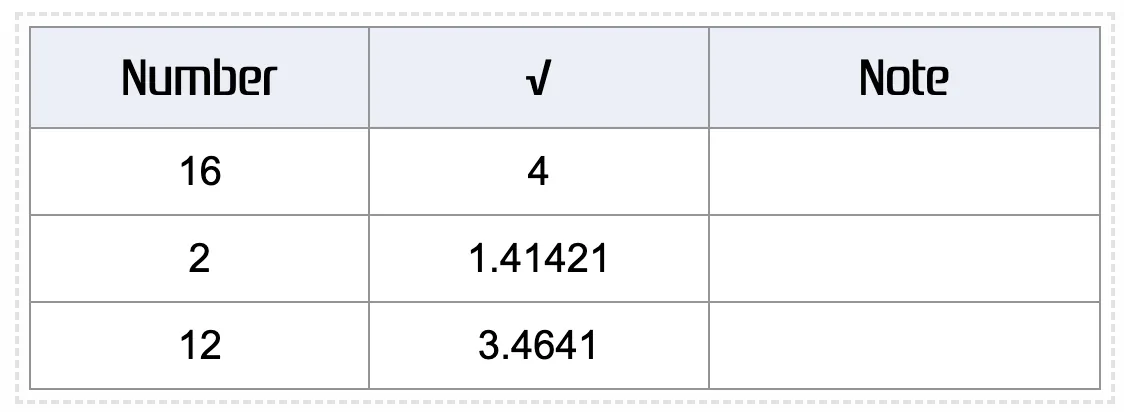
To keep the results you obtain, press the Save button. Your data will then be stored.
Export to CSV
You can export your saved results in CSV format, which makes it easy to import them into spreadsheets such as Microsoft Excel or Google Sheets for further analysis.
Export to PDF
You can also export your saved results as a PDF. This makes it easy to share or archive your results.
Clear all data
If you want to reset the data, use the Clear button to erase all the data at once.
Why the square root matters
The square root is an important mathematical operation used in many fields such as statistics, physics and engineering. It is needed to calculate measures like the standard deviation, find distances in complex spaces, or solve quadratic equations. Understanding the square root helps you analyze data better and make calculations more precise.